- Enric Baltasar
- Posts
- Your product should think before your users do
Your product should think before your users do
How to scale trust and quality ouput by redefining workflows

Enric Baltasar
April 27, 2025
You know what juniors do?
They try to remember.
When I asked salespeople to record specific information in our CRM after each call, they often forgot to add some or even all.
I created a doc with a checklist of mandatory fields by buying stage, and reminded about it every few days.
No matter how insistent it was, the problem never fully disappeared.
That pissed me off.
But why was this so important?
That simple task was making me lose money from potential customers and trust of my boss.
The reason?
Those insignificant fields were messing up email automations, forecasts and forcing colleagues to ask the same questions again, making the buyers feel like a parrot nobody cared about.
We experimented with several workarounds.
Absolute failure.
But if documentation, education and training wasn’t enough, I had a solution — or so I thought:
I built an analytics report that displayed missing data and who was responsible.
That improved data hygiene, yet it didn’t fully solve the issue.
Surprisingly, my life got worse:
It became a child’s play pointing fingers at me. While I was blaming others.
I was micromanaging, and I hated it.
Nobody knew how to escape from that maze, and my team kept giving me excuses. Until…
I discovered one thing:
Guardrails.
As a feature.
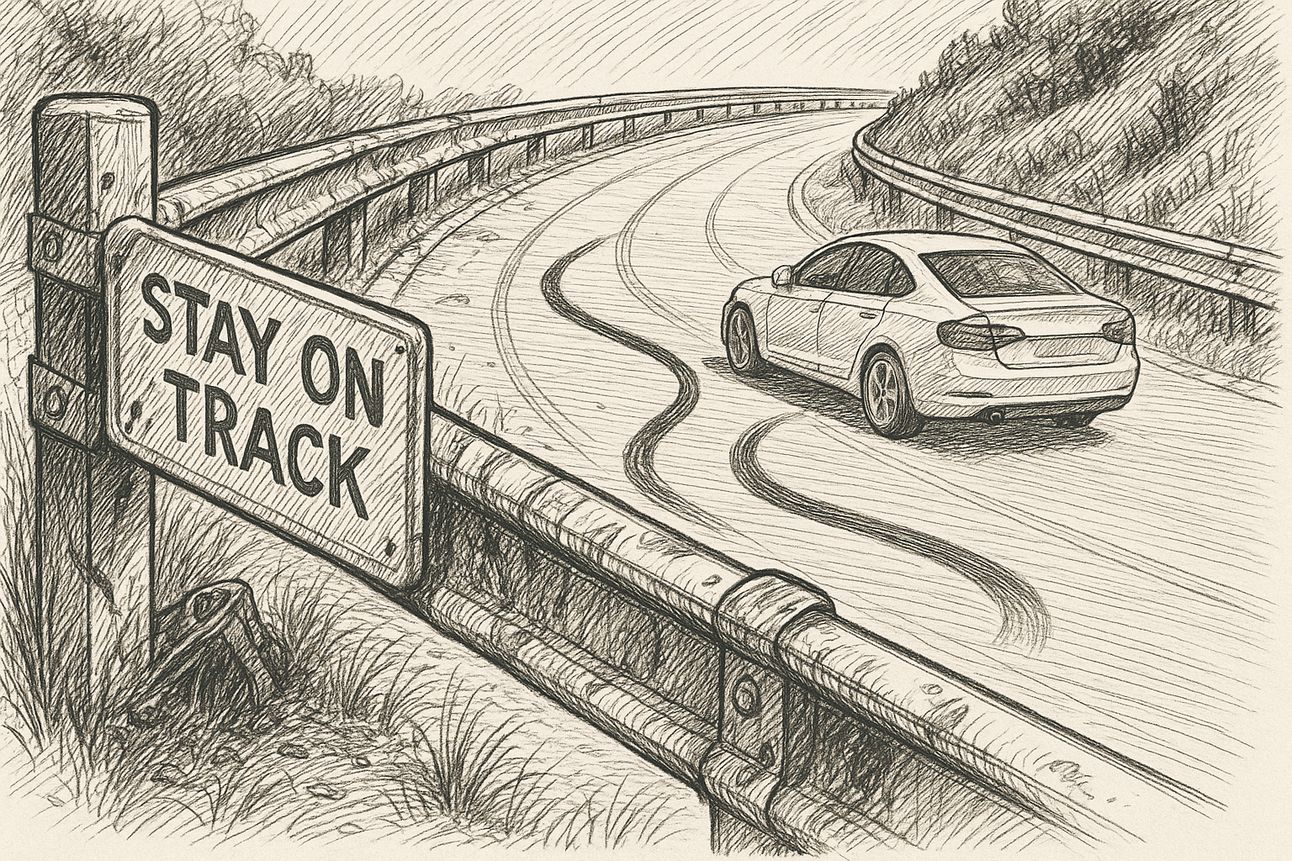
Think about it.
Why do you share a google doc with “comment only” permissions and ask for someone’s opinion?
You want collaboration without people messing up. That’s implementing a safety net.
Even LLMs, one of the most advanced tools in tech, need built-in mechanisms to avoid leaking sensitive data.
Want more examples?
Product | Play |
|---|---|
Zapier | Doesn’t allow publishing automations with broken steps to prevent silent (and paid) failure |
Slack | Asks you to confirm you really want to send an @channel message to many people so that it avoids unnecessary distractions. |
Webflow | You can make fields mandatory before content can be published, like the meta description. |
ZenRows | Retries accessing a web page if the attempt fails so that data keeps flowing. |
Nice?
Not yet. We still need to solve the missed fields.
My checklists and reports looked like a good idea, and the team was engaged. But we were all juniors having junior ideas.
The senior’s execution was waiting at the end of walking a rocky road — here it is:
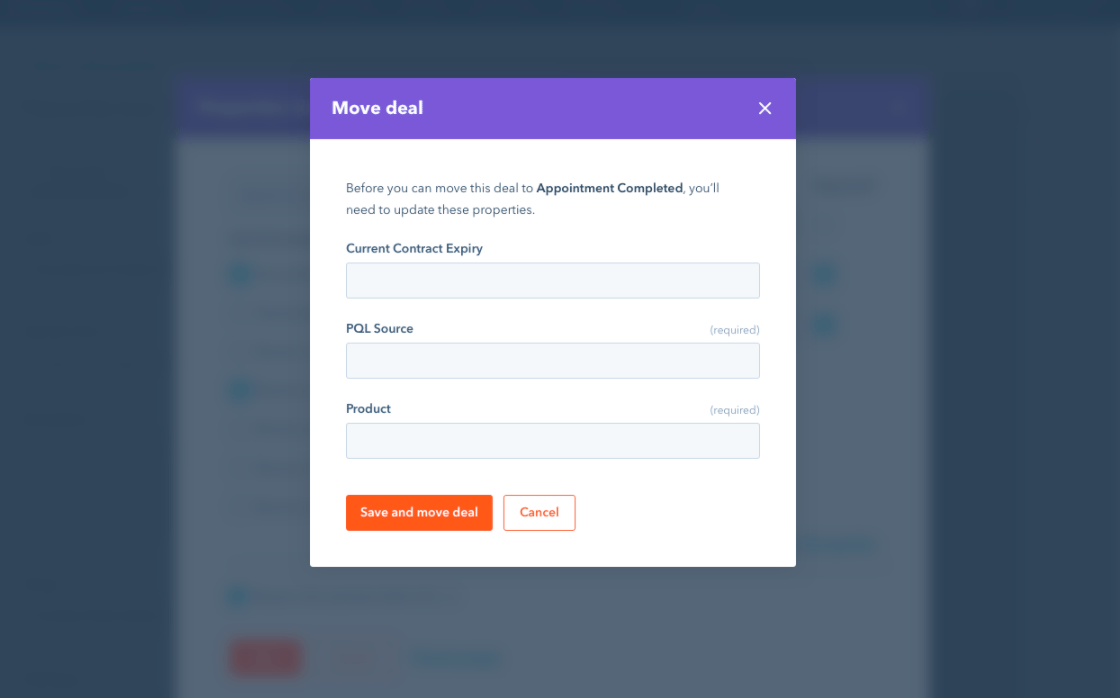
You see?
I moved away from asking peers to fill data to requiring it. When they wanted to move a deal to another stage, they had no other option than adding whatever information was missing.
We implemented HubSpot’s Required Fields feature.
THAT IS guardrails as a feature.
Your product should think before your users do.
After that, the team members worked fast without forgetting and feeling dumb.
I stopped chasing them, feeling more satisfied and not being pointed out by directors. Forecasts become more reliable and the trust in the teams increased.
I started to delegate with more confidence and scale up quality work.
One last thing:
Not each guardrail needs to be software. Here are some creative implementations:
Come up with a checklist for your freelance writers and ask them to tick every single box when they deliver an article. Put it in your contract that if not done or faked, you won’t pay them.
This “radioactive test” will fight the common conflict that freelancers have multiple clients and they use different writing styles, requirements, etc.
Finally, are you thinking of running paid ads?
Don’t just start exploring the channel and see what happens. Instead, set a smart CAC (Customer Acquisition Cost), and create a report on Looker Studio that sets numbers in red when surpassed.
Additionally, send automatically a weekly report to a Slack channel so that it’s difficult not to see it.
Takeaway
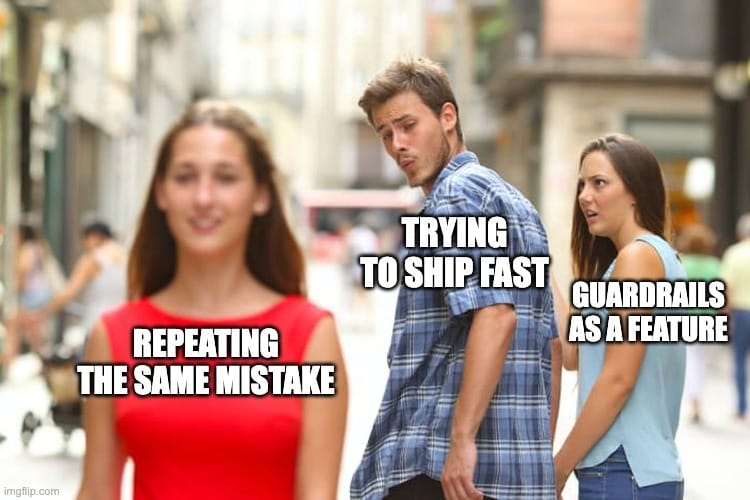
Docs, training or hoping people get it right is a gamble. Instead, a seatbelt doesn’t change your driving style, it just takes care of you. Guardrails do the same.
They’re rules that stop your users and teams from failing, increasing trust in achieving a goal. Like when Zapier doesn’t allow you to save an automation because there’s something broken.
Guardrails as a feature (meaning they can’t be skipped) don’t just improve UX. They scale quality output and growth. Your product should think before your users do.
Try This
Paste this prompt into your favourite AI tool and thank me later. You’ll get sharp and tailored questions and ideas to implement smart guardrails.
You’re an experienced growth operator. Help me create better internal processes by suggesting a list of guardrails for <Team/Project/Initiative>. Start with some both thought-provoking and actionable questions by area, then create a table with a list of important guardrails that can be implemented, together with why each one matters and area.